
Qube Platform Release 2.62: Instant Device Information on the Site Dashboard
Qube Dashboard Release 2.62 helps users instantly understand what is happening at the device level without leaving the site dashboard.
Want to see how it works?
Hover Over Qube Devices on the Site Dashboard for Details
Get instant access to all your Qube device details
From the site dashboard, hover over your device (Qube Fenceline, Qube Lite, and Qube Camera) and see details like device name, device type, and sensor type.
Click on the device to get even more details.
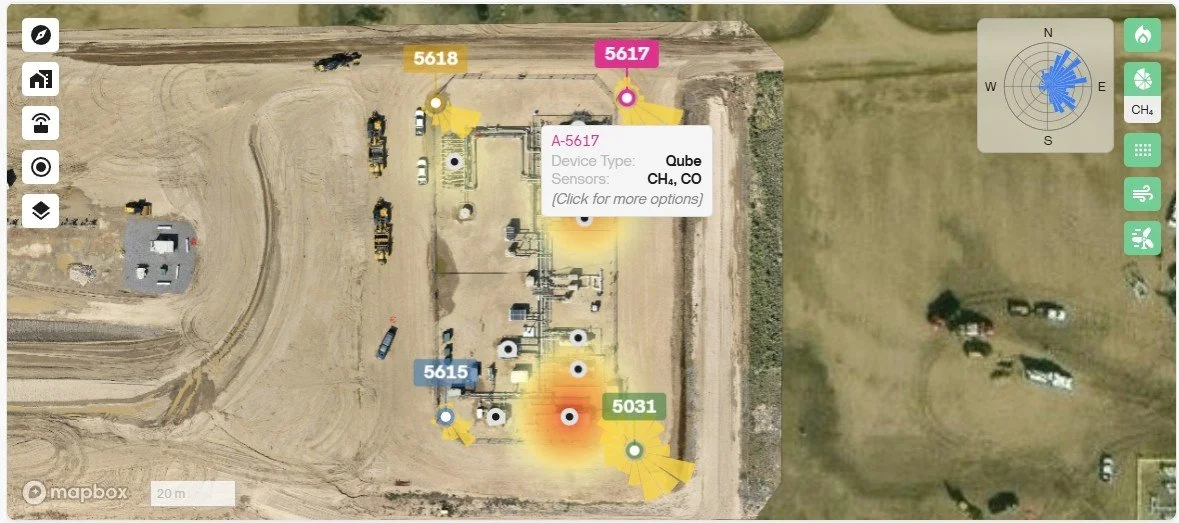
Qube Fenceline devices deployed at an oil wellsite.
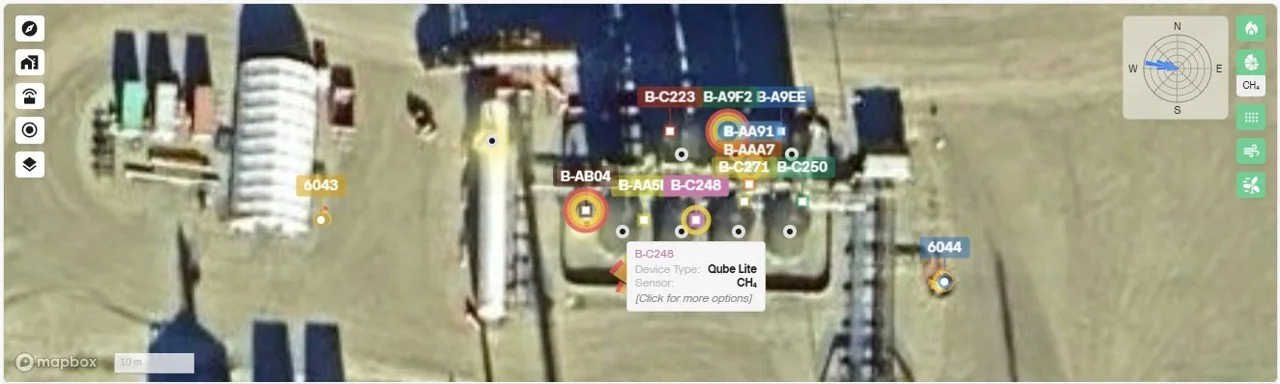
Qube Lite devices deployed at the tank farm of a natural gas processing facility.
Additional Device Details
Clicking on the device hover list will provide additional device details.
These are:
View Device Details
Hide This Device
Show Only This Device
Hide This Device and Show Only This Device will hide or show the device on the map and device charts.
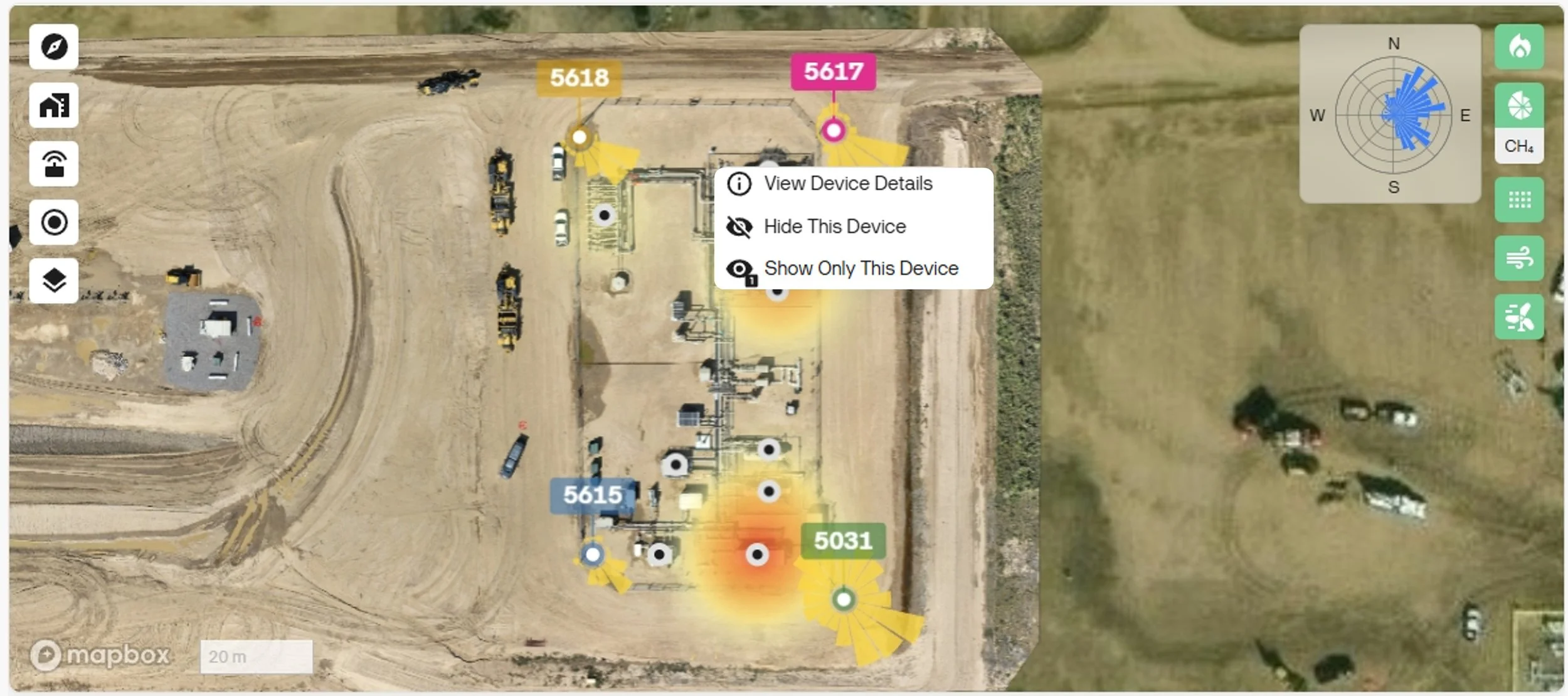
Hide the device or isolate it to only view it from the site dashboard. Click on the “View Device Details” to access the device slideout.
Device Info Slideout
View Device Details opens a slideout on the right side. It shows more details about the device, such as:
Latest measurements
Location description
Installation photo
Installation photo description
Quarantine data
For Qube Camera, the slideout also shows the latest camera snapshot.
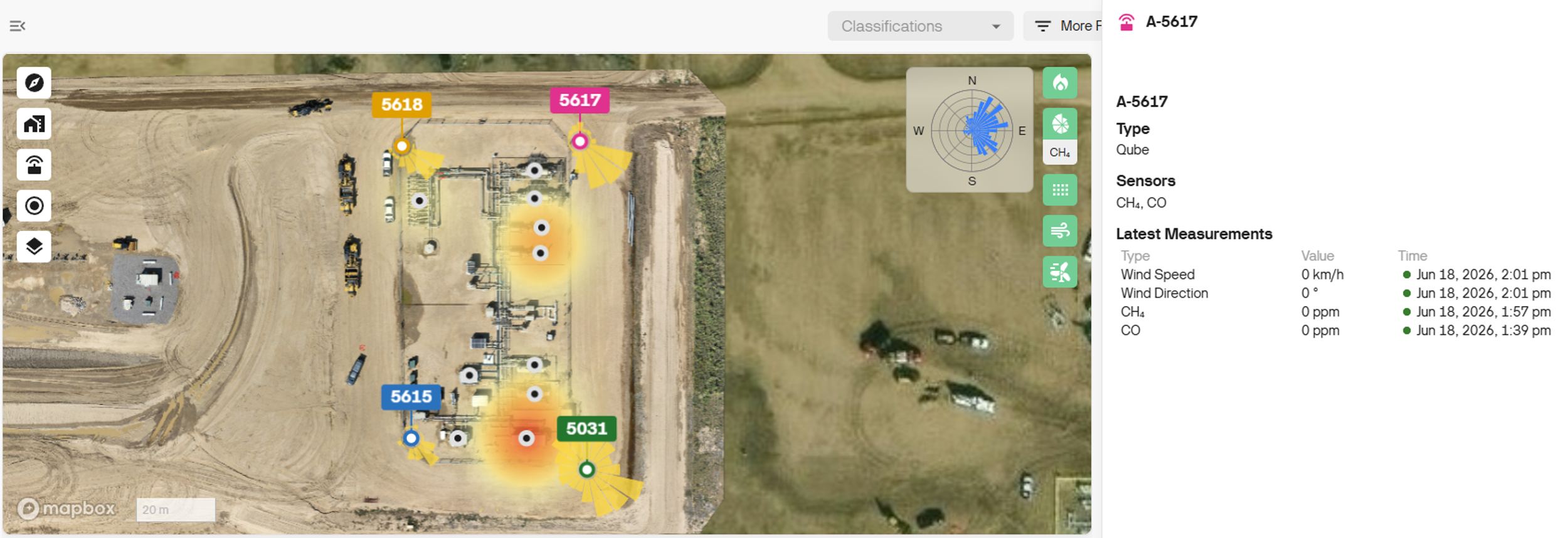
Device slideout information for Qube Fenceline devices.
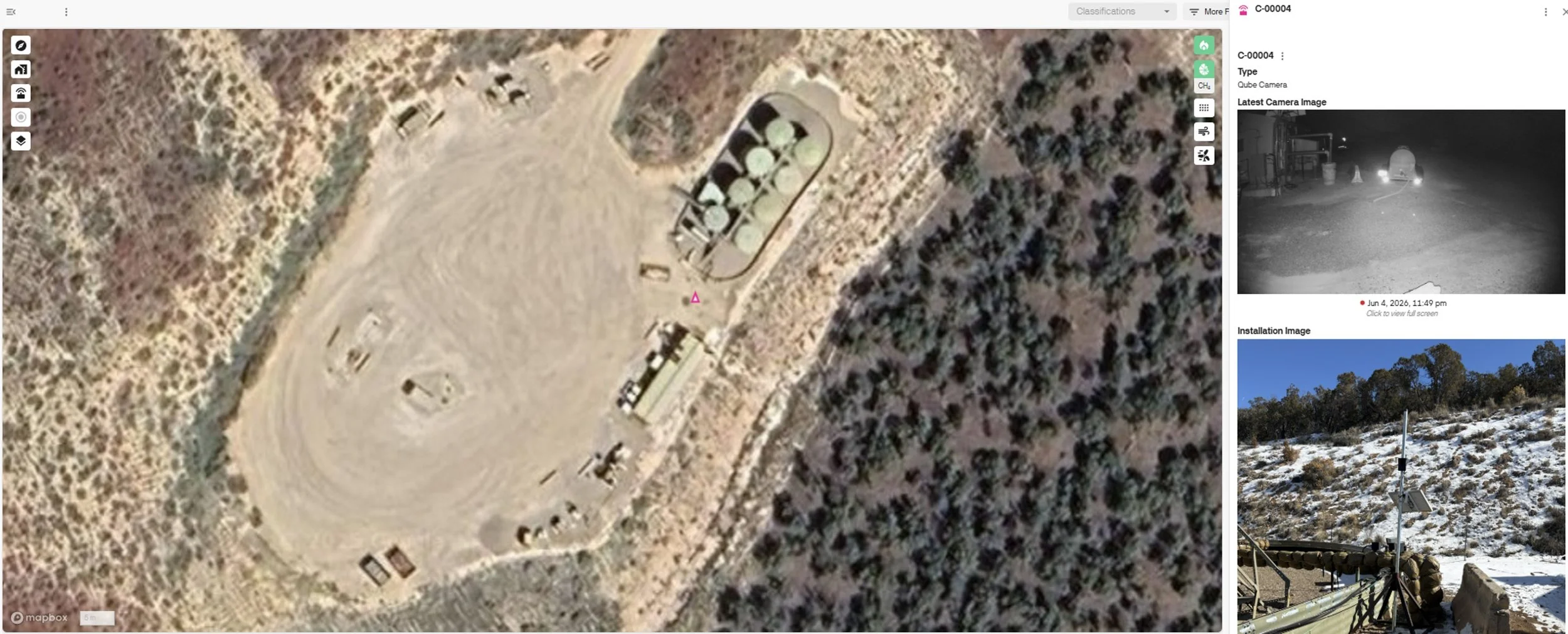
Device slideout information for Qube Camera.